
Coming in the next release
Your unit’s work, live on the wall.
CASEY Dashboard puts a live picture of the unit on the screens in your lab: what is happening now, the queues, a year of casework, the team’s workload and the audit chain growing in real time. Staff see where things stand at a glance, and visitors see a busy, capable, well-run unit.
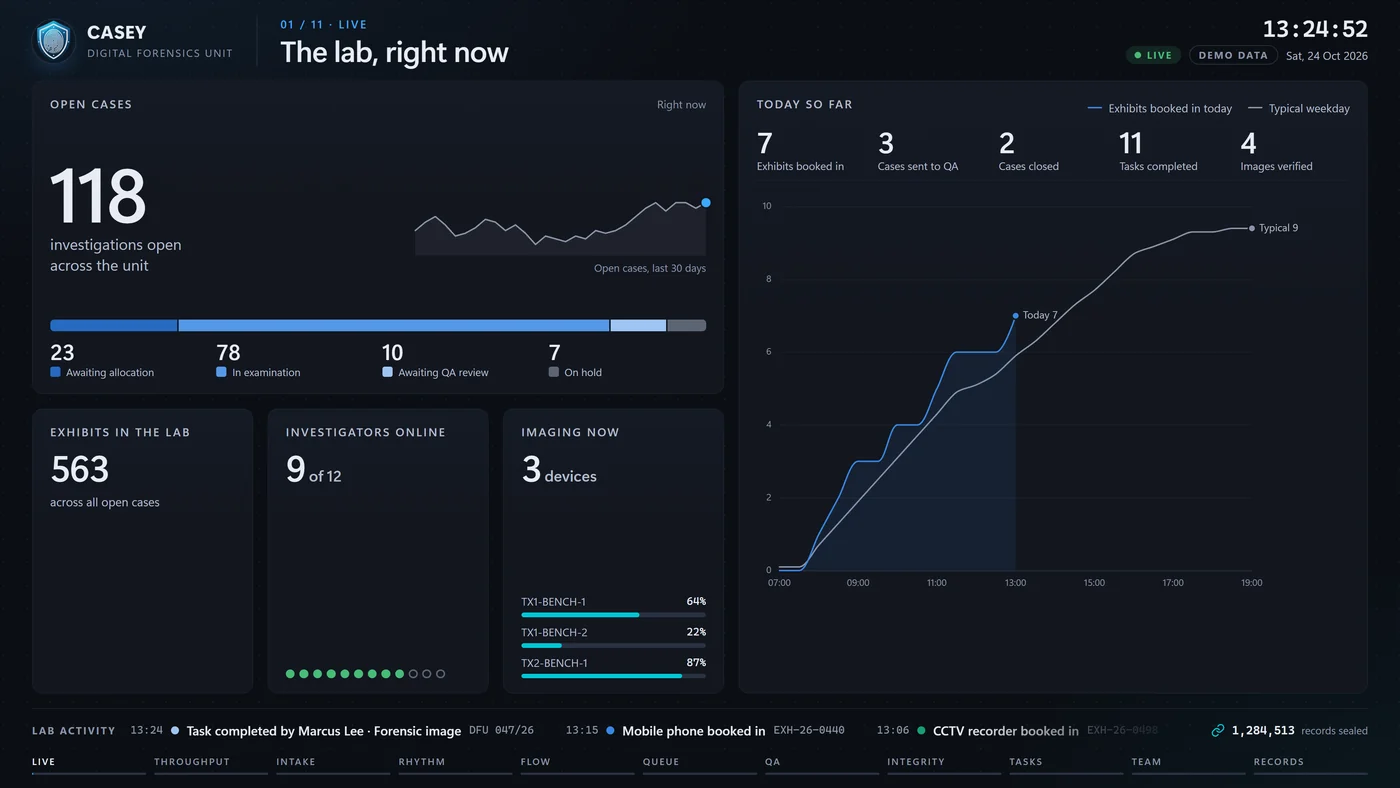
Eleven scenes, one rotation
Readable from across the room in seconds.
Each scene has one headline number and a single moment of motion, then hands over to the next. A live activity ticker runs underneath, so the wall never looks still.
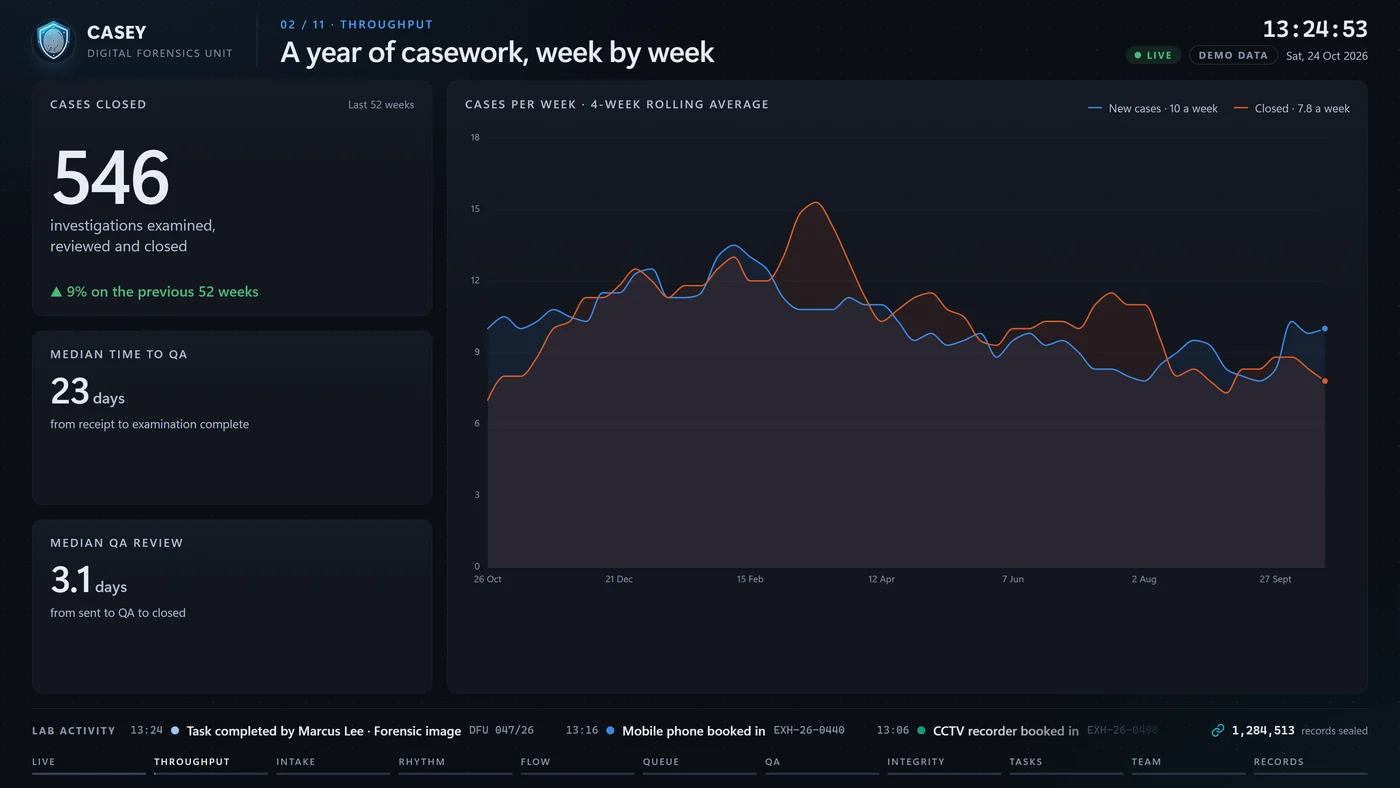
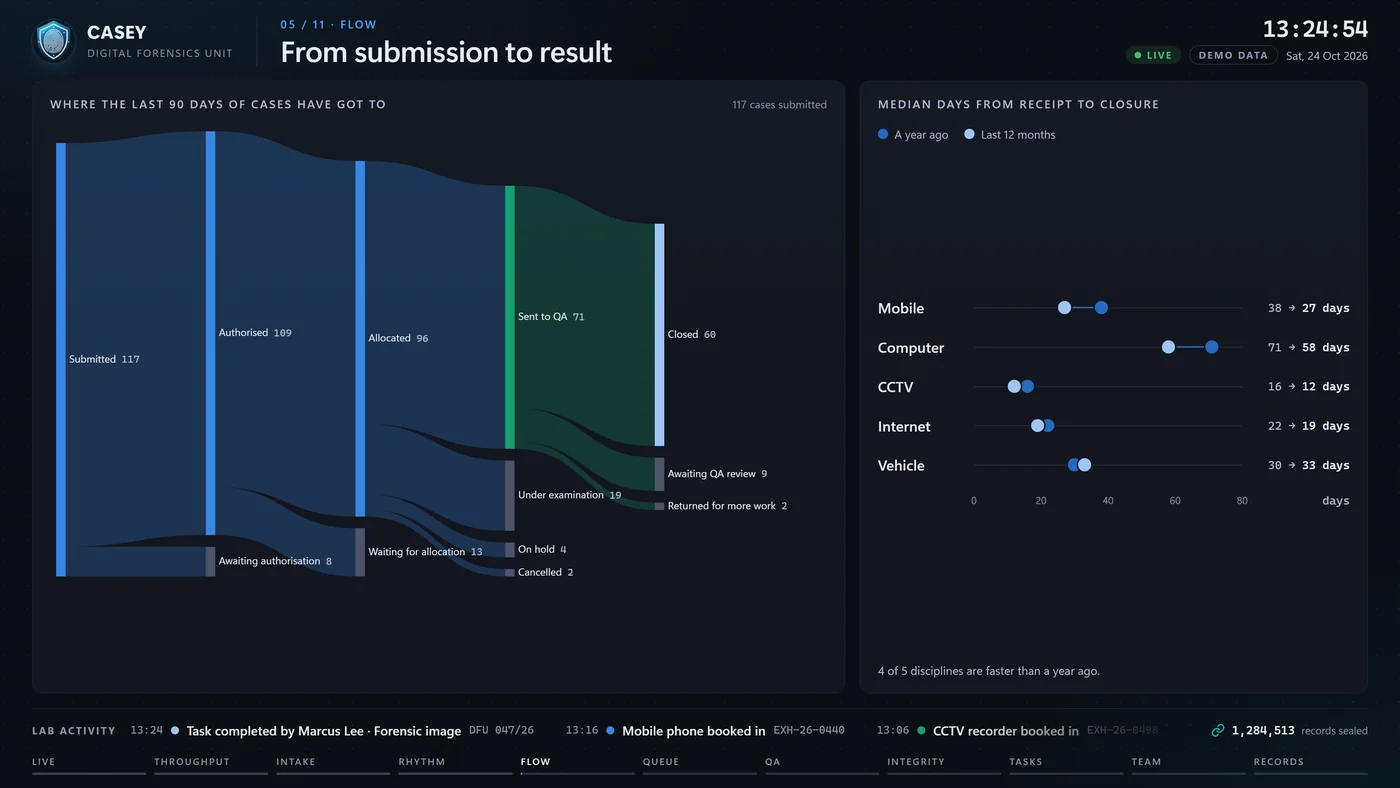
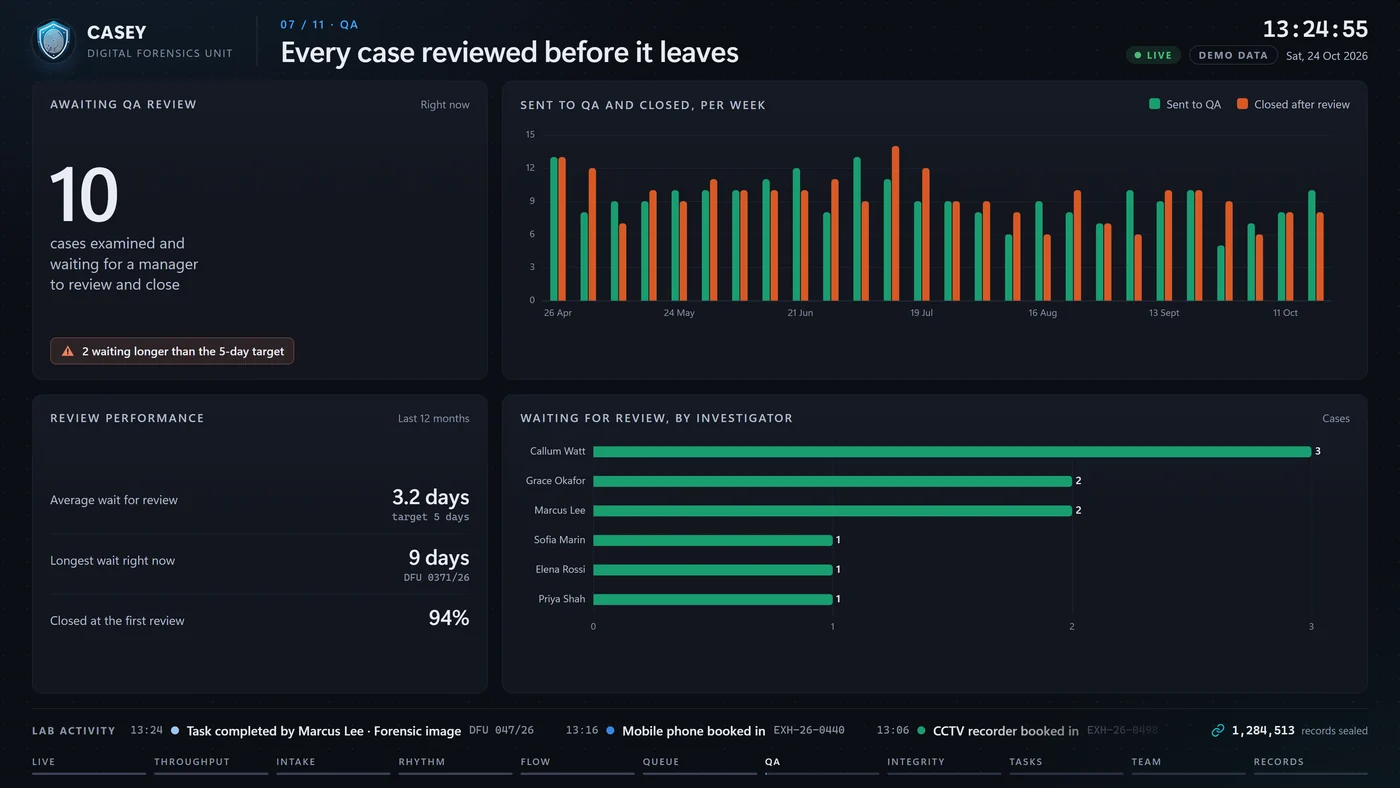
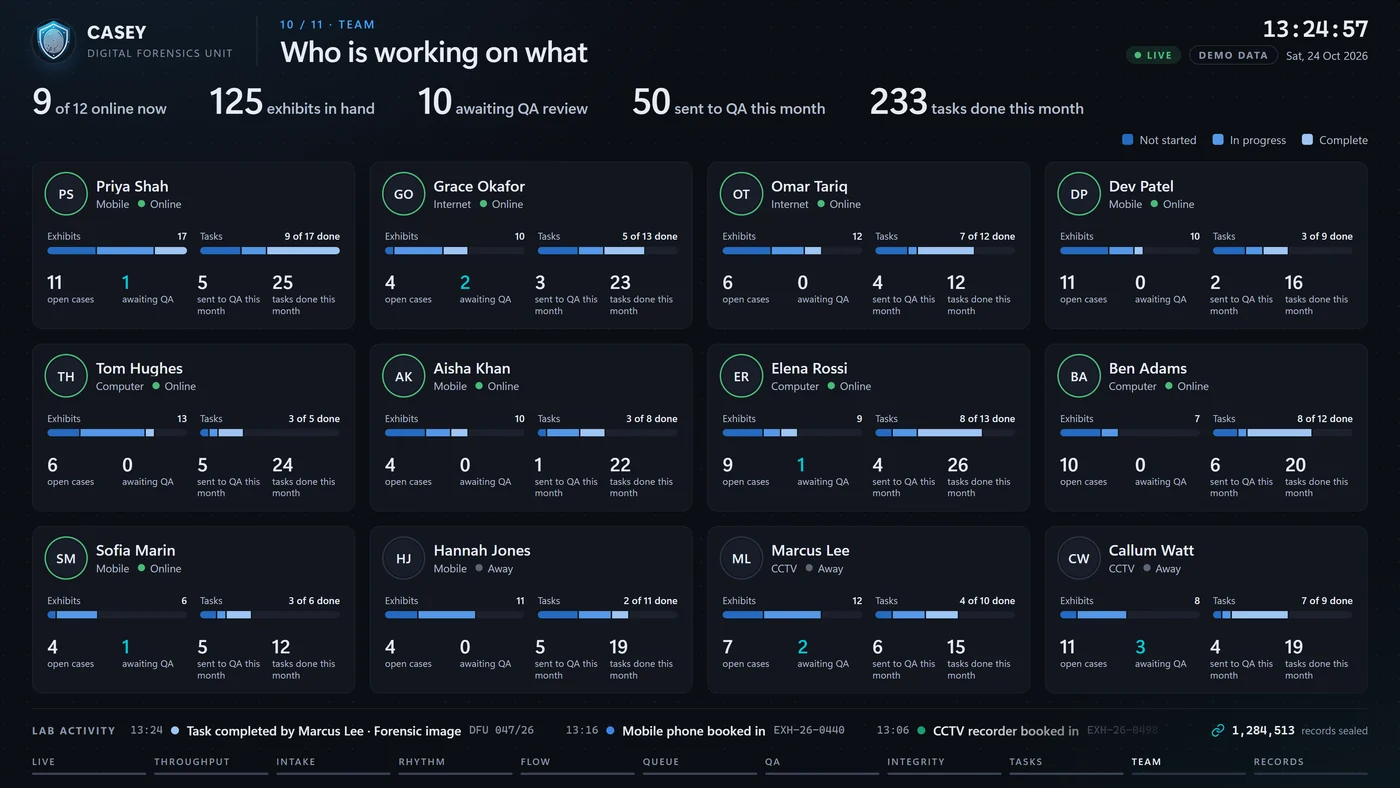
Shown with demo data. Other scenes cover intake by discipline, the year’s daily rhythm, the allocation queue, tasks, and milestones and records.
Integrity you can see
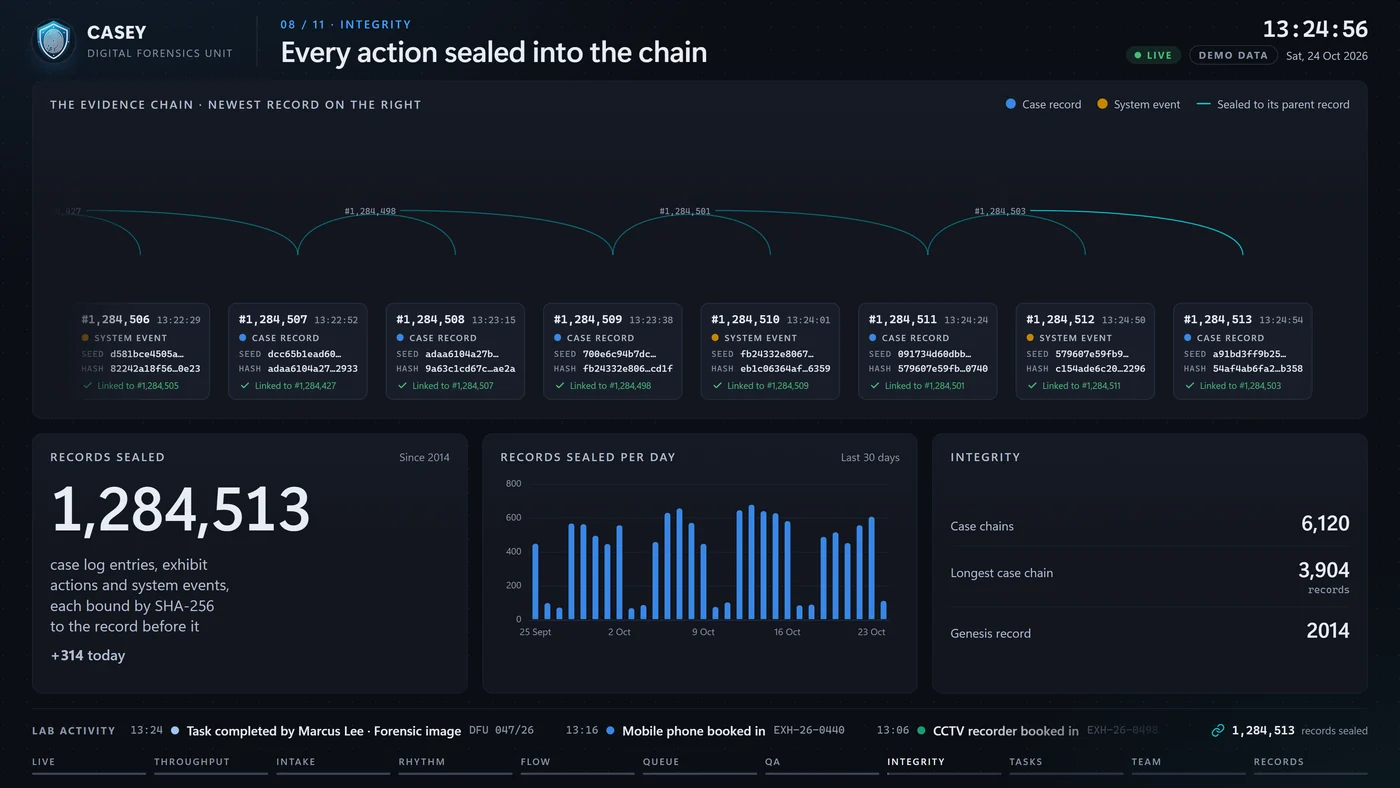
Every action sealed into the chain, on screen.
As each case record and system event is sealed, it drops into the chain on the wall with its hash resolving in front of you, linked to the record before it. For anyone visiting a forensic unit, it is the clearest possible sign that the record can be trusted.
Honest and humane
Designed for the people on the screen.
A wall in a forensic unit is seen by staff every day and by visitors who should not see case detail. CASEY Dashboard is built with both in mind.
Every number is true
Nothing is simulated in production. When it is quiet, the wall says so.
No league tables
People are shown with their workload, never ranked by speed or output. Records belong to the team.
Case detail stays private
Restricted cases are never identified, offence types are never shown, and case text never reaches the screen.
You choose what shows
Case references, names, presence and photos can each be switched off for your unit.
How it runs
A small service on your network.
CASEY Dashboard runs alongside the CASEY API inside your organisation, with its own limited, read-only access. The screens hold no credentials and store nothing.
One service, many screens
One connection to CASEY feeds every screen in the lab, so adding a screen puts no extra load on CASEY.
Screens and playlists
Pair a screen, choose what it plays, and check every screen’s health from the admin pages.
History from day one
Trends and turnaround are recorded by CASEY as the work happens, so the picture gets richer every week.
Want CASEY Dashboard on your lab’s screens? Get in touch